Getting Started
Employees are able to view their schedule, pick up open shift, make a shift trade/swap request and time off request, and set up their availability.
Log in
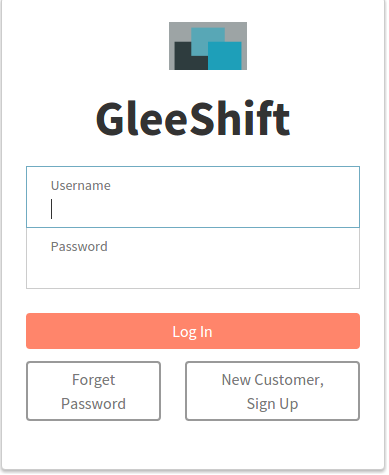
Managers will set up employees and provide login ID and password. The login ID will be your email.
If you forget your password, click on the Forget Password button and follow the steps to reset your password.
Dashboard
After logging in, you will see a dashboard (below). From the left menu, you are able to view your schedule, your own profile, make time off request, etc.

Log Out
After you have done your work, it is advised that you log out by clicking the log out link in the left menu.