My Shifts
Click the My Shift link on the left-hand menu.
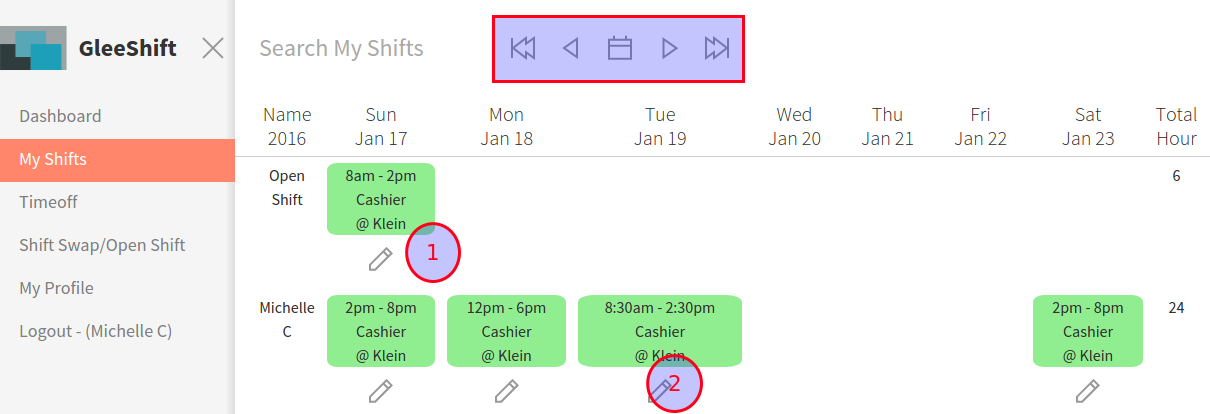
From this page you can see your schedule. You can make a swap request and pick up an open shift if there are any.
NOTE: Please set your availability accurately. Managers can schedule you on any date that you have available
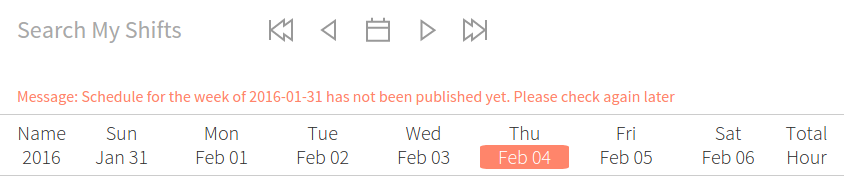
If the managers have not published the schedule yet, you will see the messege as below:
Make swap request
If you can not work on the shift that was scheduled, you can make a swap request by click on the Edit icon (pencil)
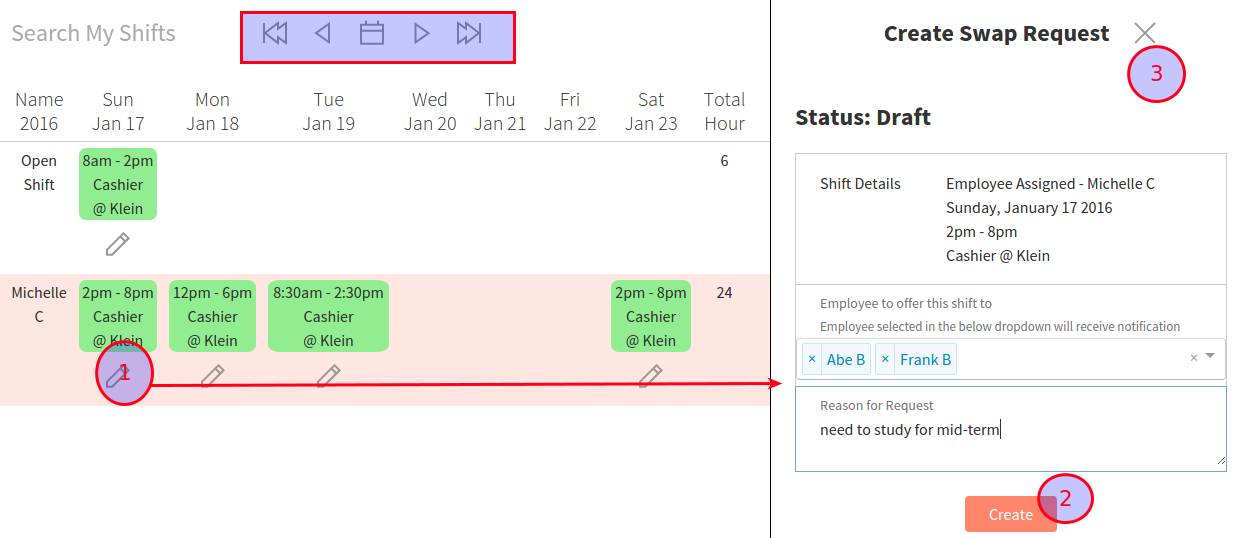
select the employee that you want to send this request to (and add a reason-optional)
An email will be sent to the employee(s) that you selected.
Pick up open shift
If there are open shift that are created by your manager, there will be a open shift row. you can pick them up by click on the Edit icon (look like a pencil)

Notes